DENZIKAY TRRS Extension Cable Review: More Reach, Mic Still Works
Part of The Remote Work Travel Guide: Set Up an Office Anywhere

What we liked
- 4-pole TRRS keeps the mic working
- Nylon braid resists tangles
- Good fit at both ends
What we didn't
- 3.3 feet may be short for some desks
- Adds one more connection
- Not for balanced pro audio
Quick take
This is a 3.3-foot male-to-female 3.5mm extension with four contacts, so headsets with microphones and inline volume controls still work through it.
Where to buy: DENZIKAY 3.5mm TRRS Extension Cable on Amazon (typically about $6 to $10).
What it is
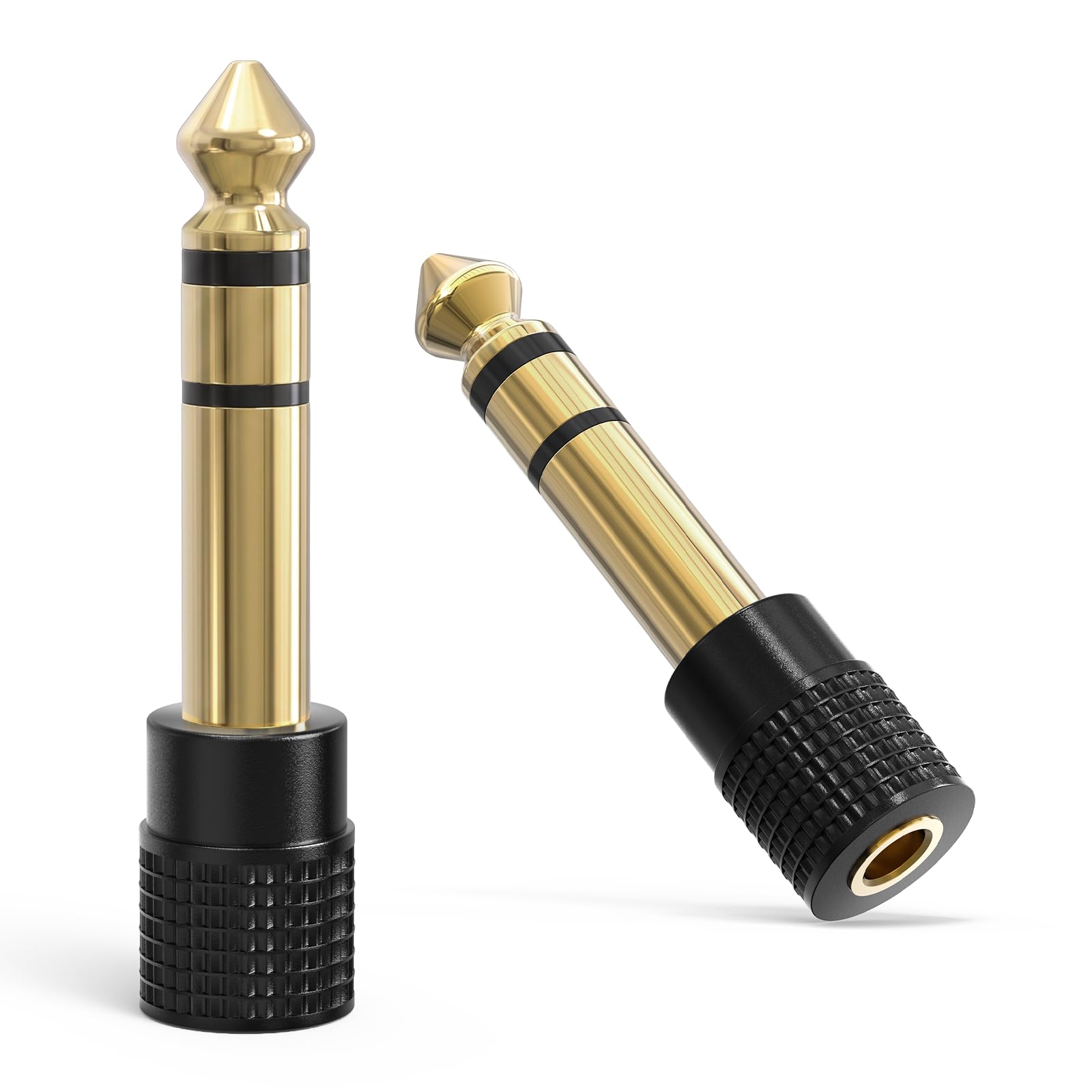
A nylon-braided cable with gold-plated plugs. TRRS (four poles) matters: a three-pole extension passes music but silently drops the microphone, which is why some headsets stop working on calls when extended.
Where it fits on the road
Laptops on stands put the headphone jack in awkward places. An extension lets you sit back during a long call without the cable pulling at the port, and it doubles as a sacrificial cable: if something gets yanked, it’s the cheap extension that suffers, not the laptop jack.
“Let the cheap cable take the hit, not your laptop.”
Reggie R.
How it compares
- UGREEN TRRS extension. Well-known alternative with longer options.
- Three-pole extension. Cheaper but kills headset mics.
- Bluetooth headset. No cable at all, but adds charging and latency.
Wired headsets still win on calls
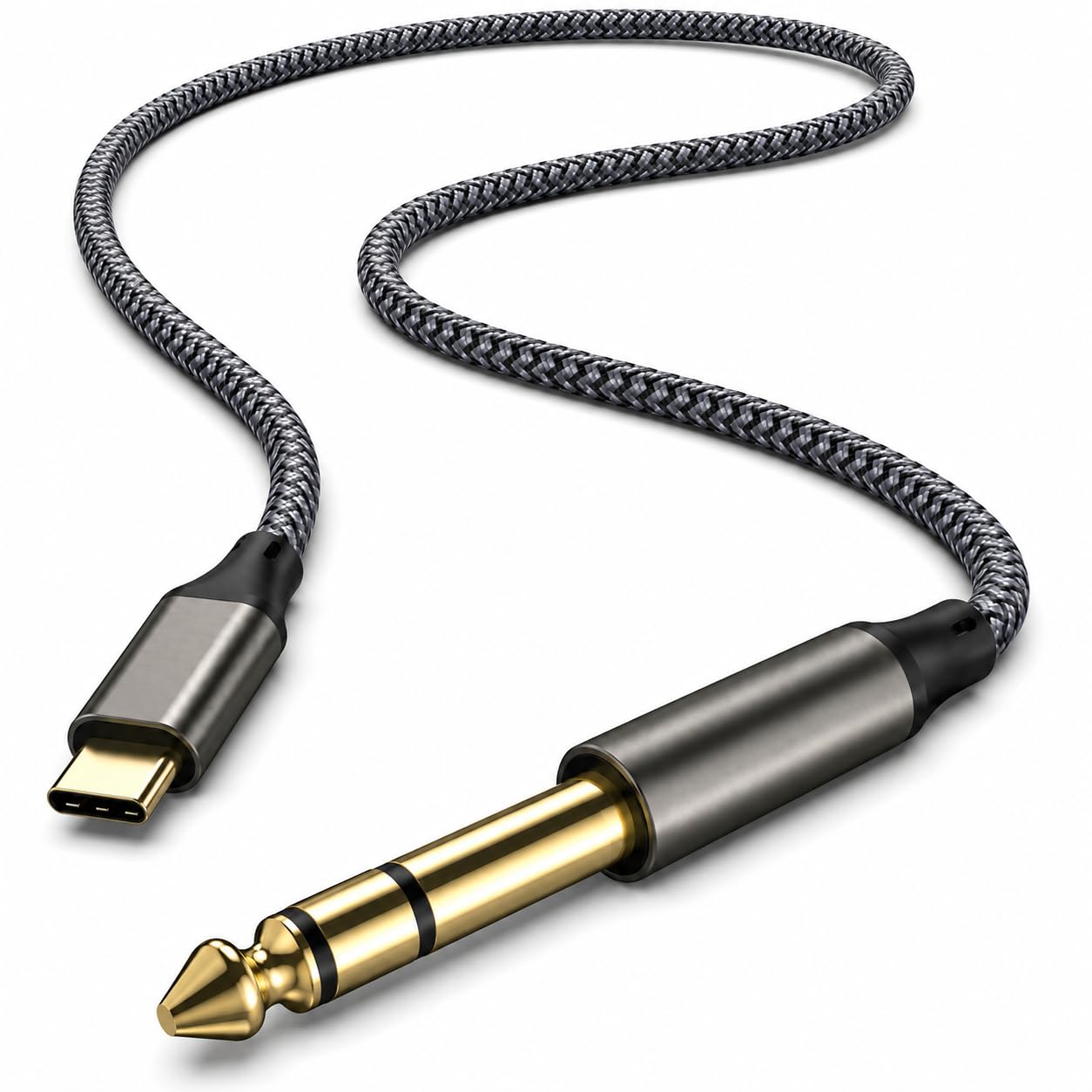
Wired audio has zero latency and no battery to die mid-call. Pair it with a laptop stand and a USB-C to 3.5mm adapter for jackless devices. If you want the best voice quality, a FIFINE AM8 beats any headset mic.
Price and value
Expect to pay about $6 to $10, though prices on Amazon move often, so check the current listing before buying. Excellent value for what it does: a small, sturdy fix for awkward desks and headset mics.
How I scored it
The 4.5-out-of-5 score combines my own use with what buyers report across retailers, weighed on value, build quality and how well it fits a travel and remote-work life. Read the full method on the editorial policy page.
3 tips to get the most out of it
- Check your headset mic still works before an important call. Test once after connecting.
- Use it to keep strain off laptop and phone jacks. Jacks are expensive to repair.
- Coil it over-under, like stage cables. It stays tangle-free in a bag.
FAQ
Will it work with three-pole headphones?
Yes, TRRS is backward compatible.
Does it reduce sound quality?
Not noticeably at this length.
Does inline volume still work?
Yes, that’s what the fourth pole is for.
Who it’s for (and who should skip it)
Good for anyone using wired headsets on laptops and phones. Skip it if you’re all-in on wireless. This is one piece of the Remote Work Travel Guide, which covers the full portable office setup.
Bottom line
A small, sturdy fix for awkward desks and headset mics.
Our experience, in combination with what others say.