MOALLIA N86 Laptop Stand Review: Eye-Level Screen, Rotating Base
Part of The Remote Work Travel Guide: Set Up an Office Anywhere

What we liked
- 360 rotating base
- Locking knobs hold height and angle
- Solid aluminum
What we didn't
- Heavier than folding stands
- Needs an external keyboard for ergonomics
- Takes desk space
Quick take
The MOALLIA N86 is an aluminum laptop riser with adjustable height and angle, locking knobs and a base that rotates a full 360 degrees.
Where to buy: MOALLIA N86 360 Rotating Laptop Stand on Amazon (typically about $30 to $45).
What it is
Raising the laptop puts the camera and screen at eye level, which reduces neck strain. The rotating base lets you turn the screen to show someone across the table without moving the whole setup.
Where it fits on the road
Long days on a laptop at a rental dining table end in a stiff neck. A riser plus a cheap keyboard is the cheapest ergonomic fix there is, and it makes your camera angle look professional on calls instead of looking up your nose.
“Raise the screen, save the neck. It’s the cheapest health upgrade for remote work.”
Reggie R.
How it compares
- Roost stand. Ultralight and foldable; less stable for typing.
- Nexstand. Cheap folding stand; plasticky.
- Stack of books. Free but unstable.
Building an ergonomic setup anywhere
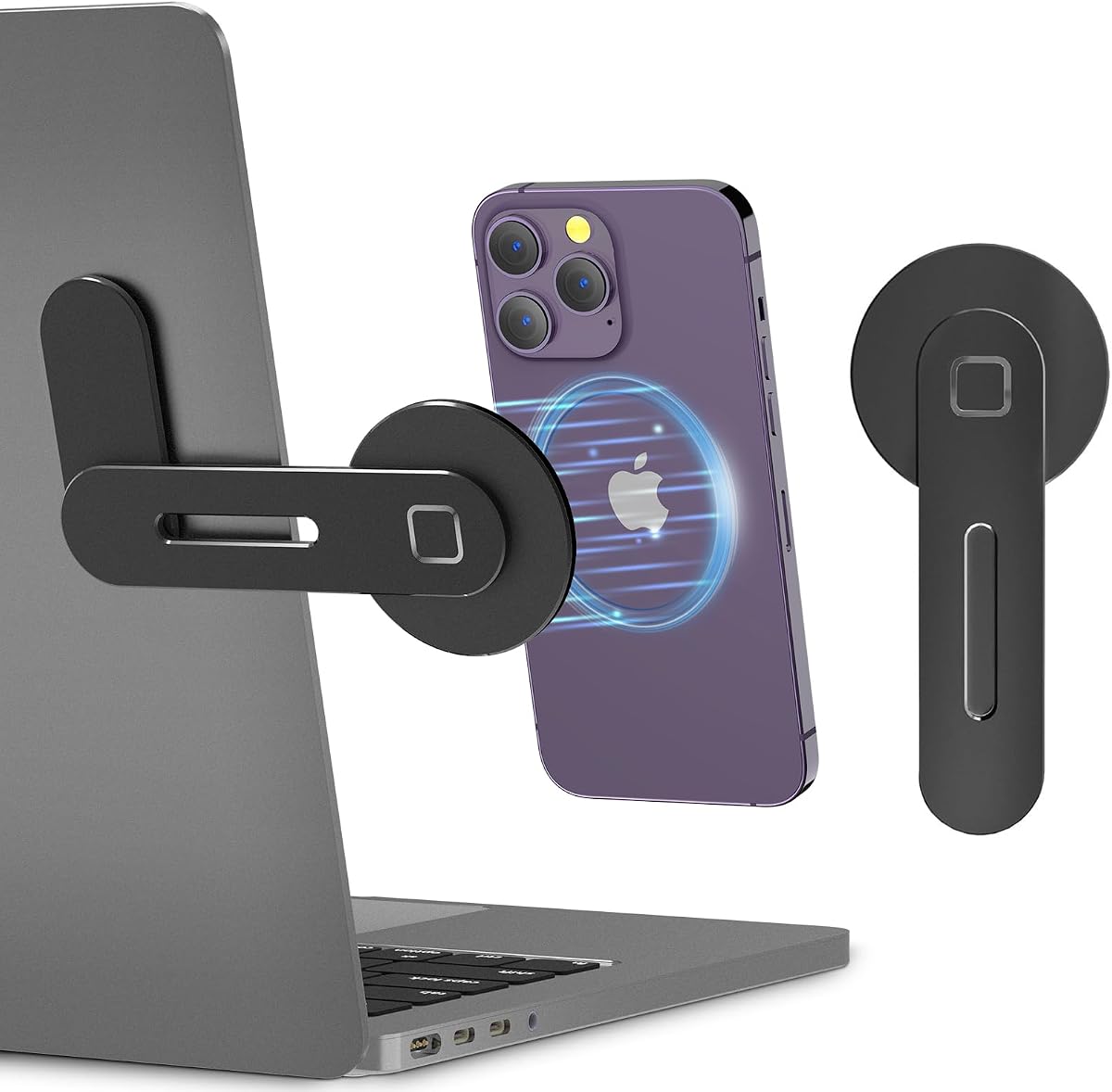
Screen at eye level, keyboard at elbow height, light on your face. Add a clip-on light, a dynamic mic for calls, and a magnetic phone mount for a second screen.
Price and value
Expect to pay about $30 to $45, though prices on Amazon move often, so check the current listing before buying. Excellent value for what it does: a solid, simple fix for neck strain and bad camera angles.
How I scored it
The 4.5-out-of-5 score combines my own use with what buyers report across retailers, weighed on value, build quality and how well it fits a travel and remote-work life. Read the full method on the editorial policy page.
3 tips to get the most out of it
- Set the top of the screen at eye level. That’s the ergonomic target.
- Lock both knobs before typing. It removes wobble.
- Use a compact Bluetooth keyboard with it. Typing on a raised laptop is awkward.
FAQ
Does it fold flat?
It’s sturdier than travel folding stands but bulkier.
What laptop sizes fit?
Most 10 to 17-inch laptops.
Does it help cooling?
Yes, airflow under the laptop improves.
Who it’s for (and who should skip it)
Good for remote workers on long stays. Skip it if you need an ultralight backpack stand. For the bigger picture, the Remote Work Travel Guide puts this alongside the full portable office setup.
Bottom line
A solid, simple fix for neck strain and bad camera angles.
Our experience, in combination with what others say.