iRig Stream Review: Clean Stereo Audio Into Your Phone or Laptop
Part of The Remote Work Travel Guide: Set Up an Office Anywhere

What we liked
- Takes line-level stereo from a mixer or controller
- Works with phones, tablets and computers
- Pocket-size
What we didn't
- No mic preamp for XLR mics
- Limited monitoring options
- Cables vary by device
Quick take
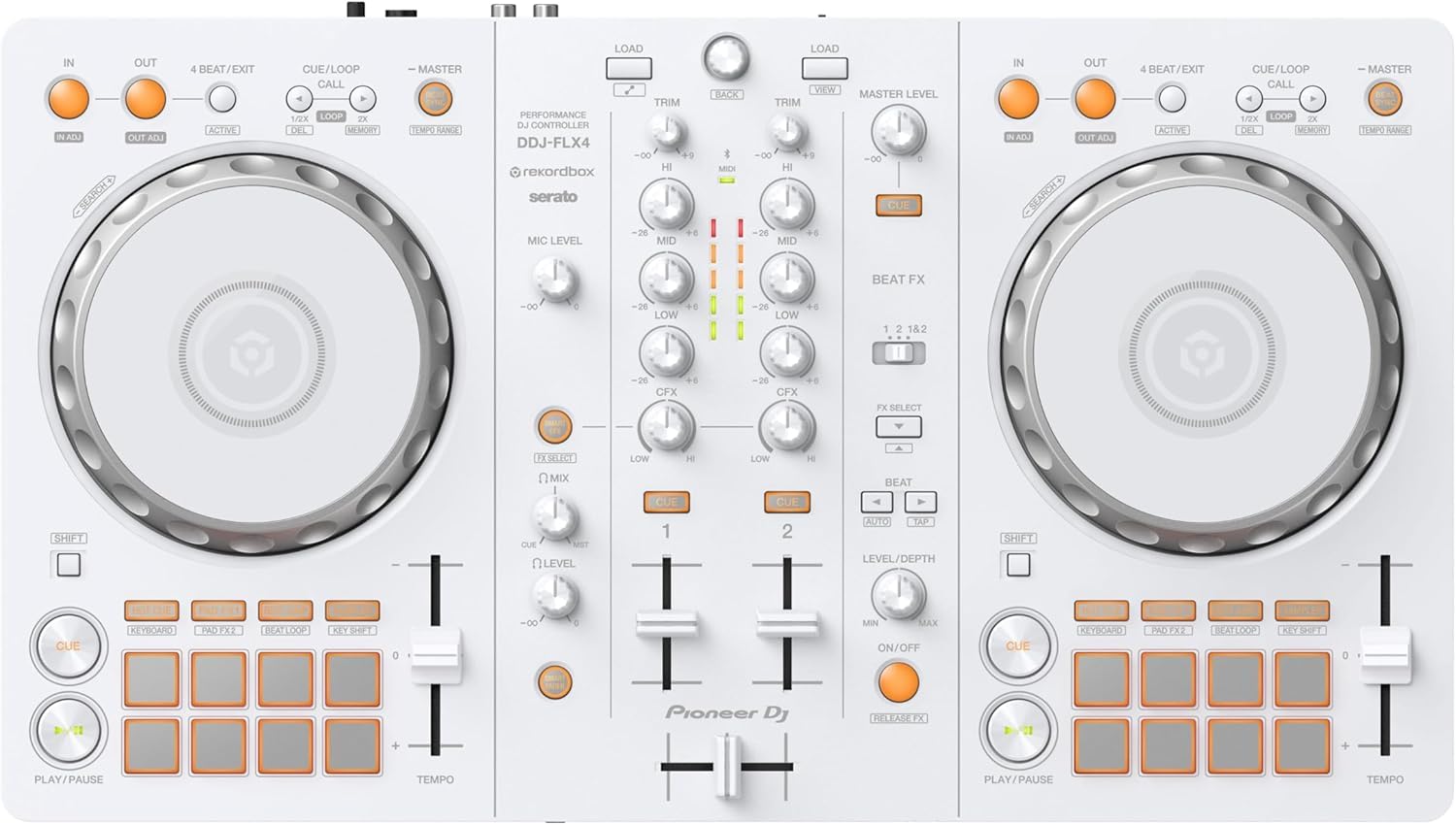
The iRig Stream is a pocket-size stereo audio interface from IK Multimedia. It takes the line output from a DJ controller or mixer and feeds it into a phone, tablet or computer at up to 24-bit quality for recording or live streaming.
Where to buy: IK Multimedia iRig Stream on Amazon (typically about $80 to $130).
What it is
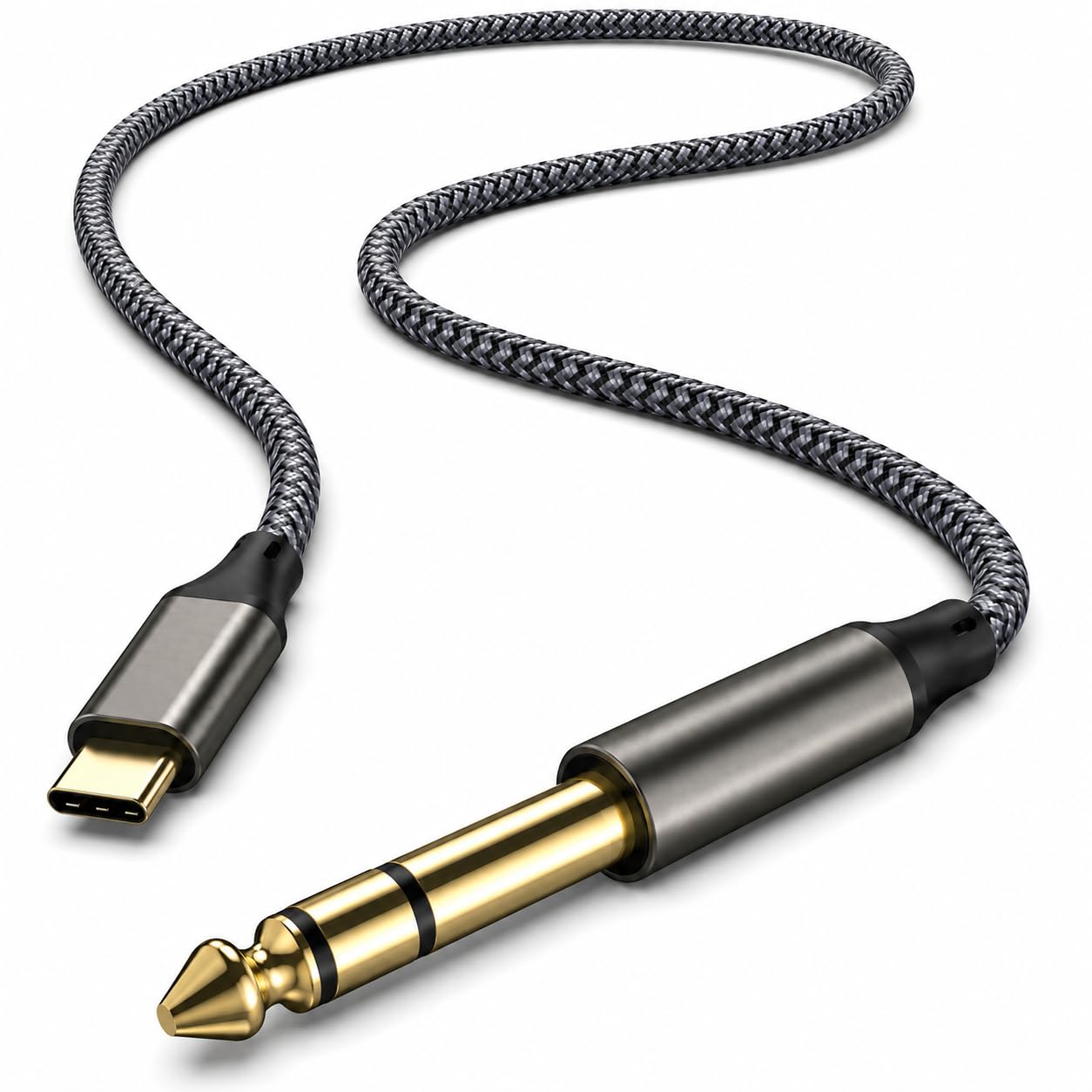
Stereo line inputs, a headphone output for monitoring and a USB-C, Lightning or USB cable depending on the device. It also has a loopback mode that blends your device’s audio into the stream, which is handy for talking over music or adding sound from an app.
Where it fits on the road
Streaming a set from a hotel room or a short-let apartment usually fails on audio: the phone mic picks up the room, not the mix. With an iRig Stream between the controller and the phone, the stream carries the actual master output while the phone’s camera does the video. It’s the difference between a recording you’d post and one you’d delete.
“Your phone is already a studio. It just needs a clean way in.”
Reggie R.
How it compares
- Focusrite Scarlett Solo. A proper interface with an XLR preamp; better for vocals, bigger and computer-focused.
- USB-C DAC cable. Only outputs audio; it can’t record a mixer into your phone.
- Controller’s built-in recording. Fine for practice files, but no way to stream the clean output from a phone.
Recording and streaming DJ mixes from a phone
Phones make surprisingly good streaming rigs. Mount the phone with a pocket tripod, add a clip-on light, and send the controller’s output through the iRig Stream. If you talk on the stream, a DJI Mic Mini keeps your voice clear over the music.
Price and value
Expect to pay about $80 to $130, though prices on Amazon move often, so check the current listing before buying. Excellent value for what it does: small, cheap and very good at one job: clean stereo audio into a phone or laptop.
How I scored it
The 4.5-out-of-5 score combines my own use with what buyers report across retailers, weighed on value, build quality and how well it fits a travel and remote-work life. Read the full method on the editorial policy page.
3 tips to get the most out of it
- Set the controller’s master level so peaks stay below clipping. The iRig has no limiter; hot signals distort.
- Use loopback to add a backing track or app audio. It’s the easiest way to talk over music without extra gear.
- Charge the phone first or use a passthrough charger. Streaming drains batteries fast.
FAQ
Can I plug a microphone into it?
Not an XLR mic; it takes line-level stereo sources.
Does it work with Android?
Yes, with a compatible USB-C cable and app.
Is it good for podcasts?
For mixer output yes; for direct mics, use a mic like the FIFINE AM8 instead.
Who it’s for (and who should skip it)
Good for DJs and creators streaming or recording from a phone. Skip it if you need to plug in XLR microphones. This is one piece of the Remote Work Travel Guide, which covers the full portable office setup.
Bottom line
Small, cheap and very good at one job: clean stereo audio into a phone or laptop.
Our experience, in combination with what others say.