Pioneer DJ DDJ-FLX4 Review: The Controller Most Beginners Should Buy
Part of The Remote Work Travel Guide: Set Up an Office Anywhere
What we liked
- Club-standard layout you won't outgrow fast
- Works with rekordbox and Serato
- USB bus-powered and light enough to pack
What we didn't
- Mostly plastic
- Two channels only
- Always needs a laptop, tablet or phone
Quick take
The DDJ-FLX4 is Pioneer DJ’s two-deck entry controller, and it’s still the default recommendation for anyone learning to mix. The layout mirrors club gear, it runs rekordbox or Serato, and it draws power from a single USB cable.
Where to buy: Pioneer DJ DDJ-FLX4 (White) on Amazon (typically about $280 to $340).
My take
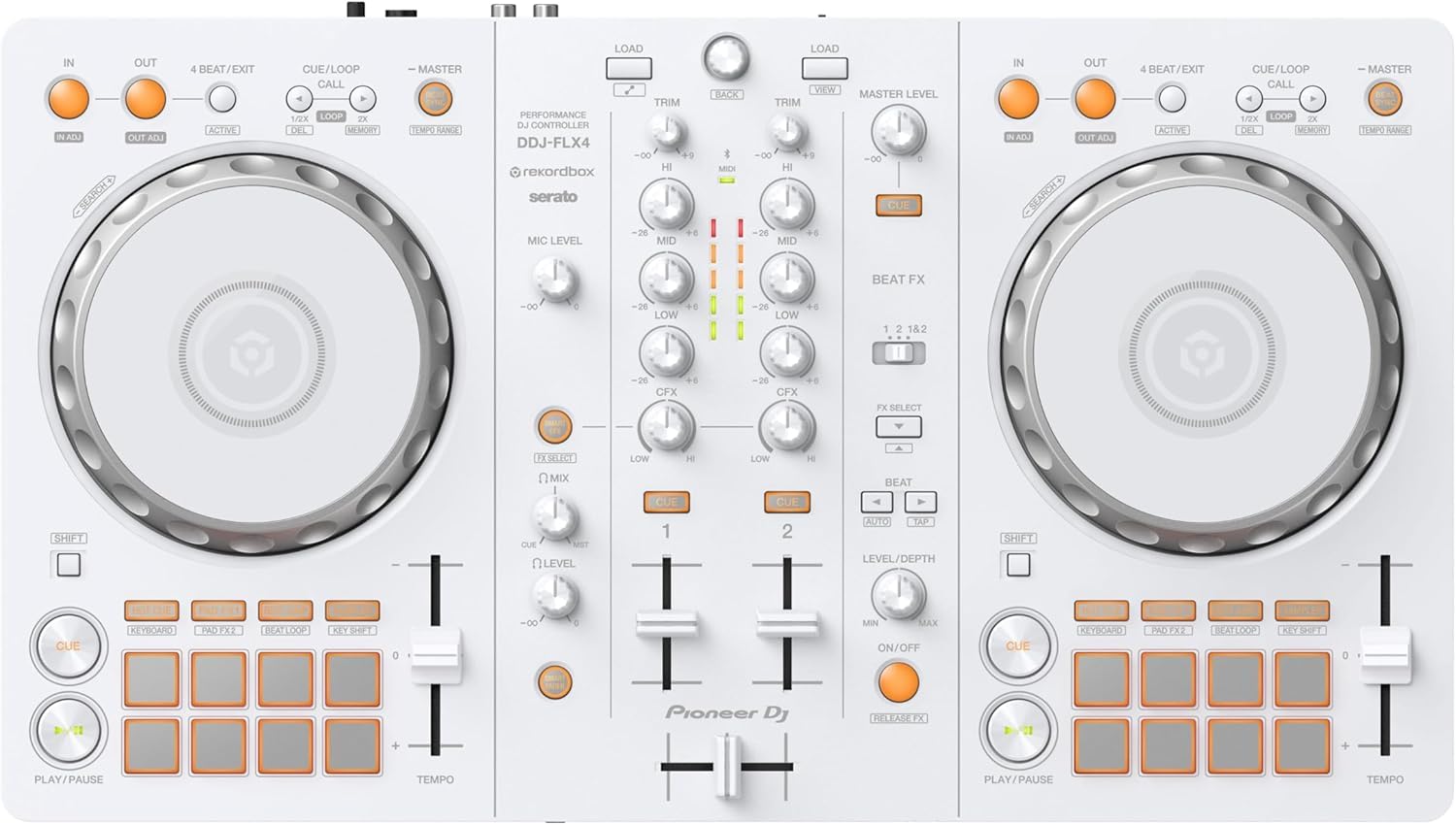
I got it in white because it looks really nice. I upgraded from the DDJ-FLX2. I chose the FLX4 because I want to livestream my sets more, and because it has loop in and loop out, which was really the biggest thing I wanted to play with. The buttons also feel smoother than the FLX2. The downside is it doesn’t fit in a backpack, but it’s the one everybody recommends if you want to get serious. The FLX2 was honestly great too, and I’d still travel with it if it let me livestream.
What it is
Two jog wheels, 16 performance pads, a three-band EQ per channel, filters and a crossfader, plus a mic input and headphone out. Smart Fader and Smart CFX automate tempo-matched blends and effects so beginners sound tidy while they learn. The white edition is the same hardware in a lighter finish.
Where it fits on the road
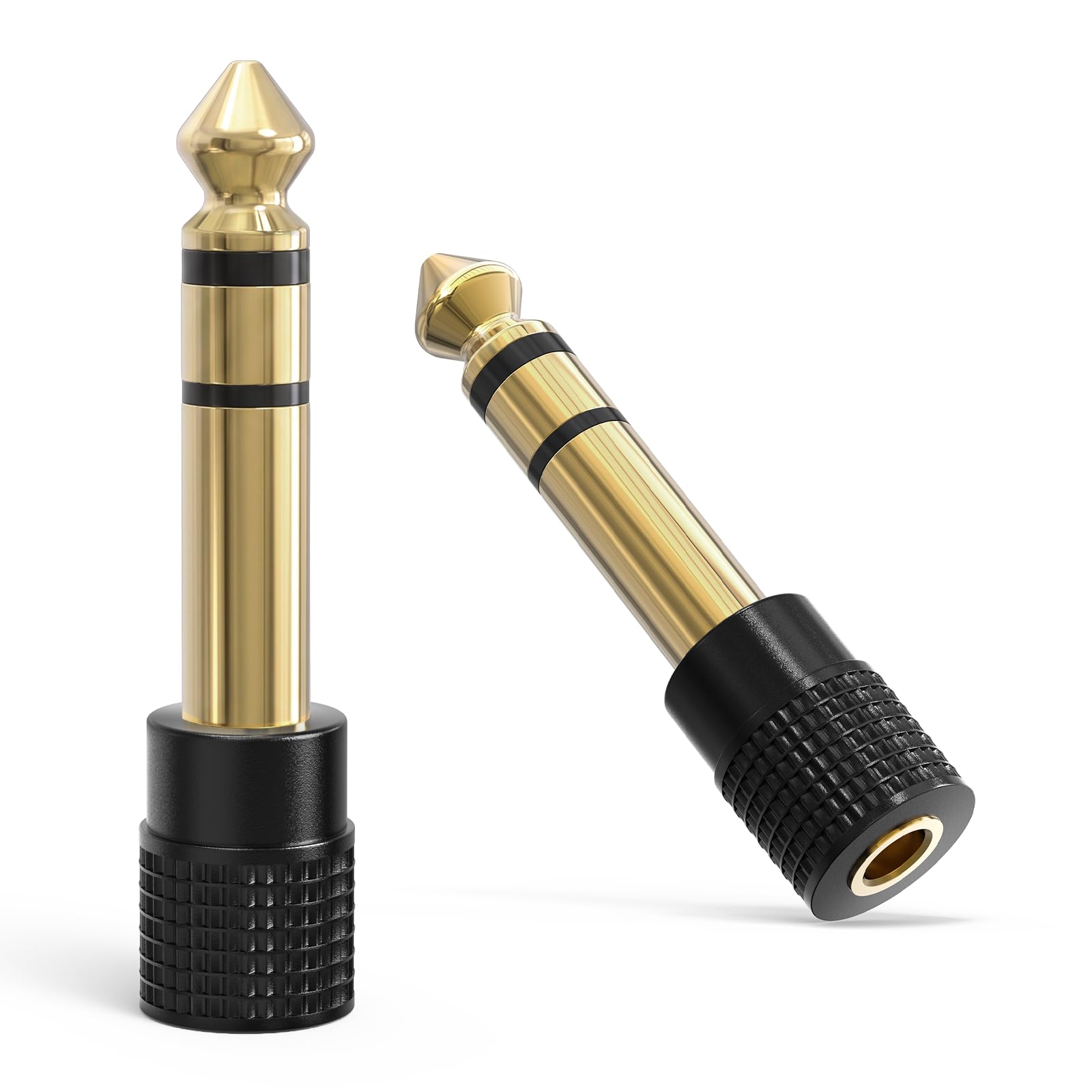
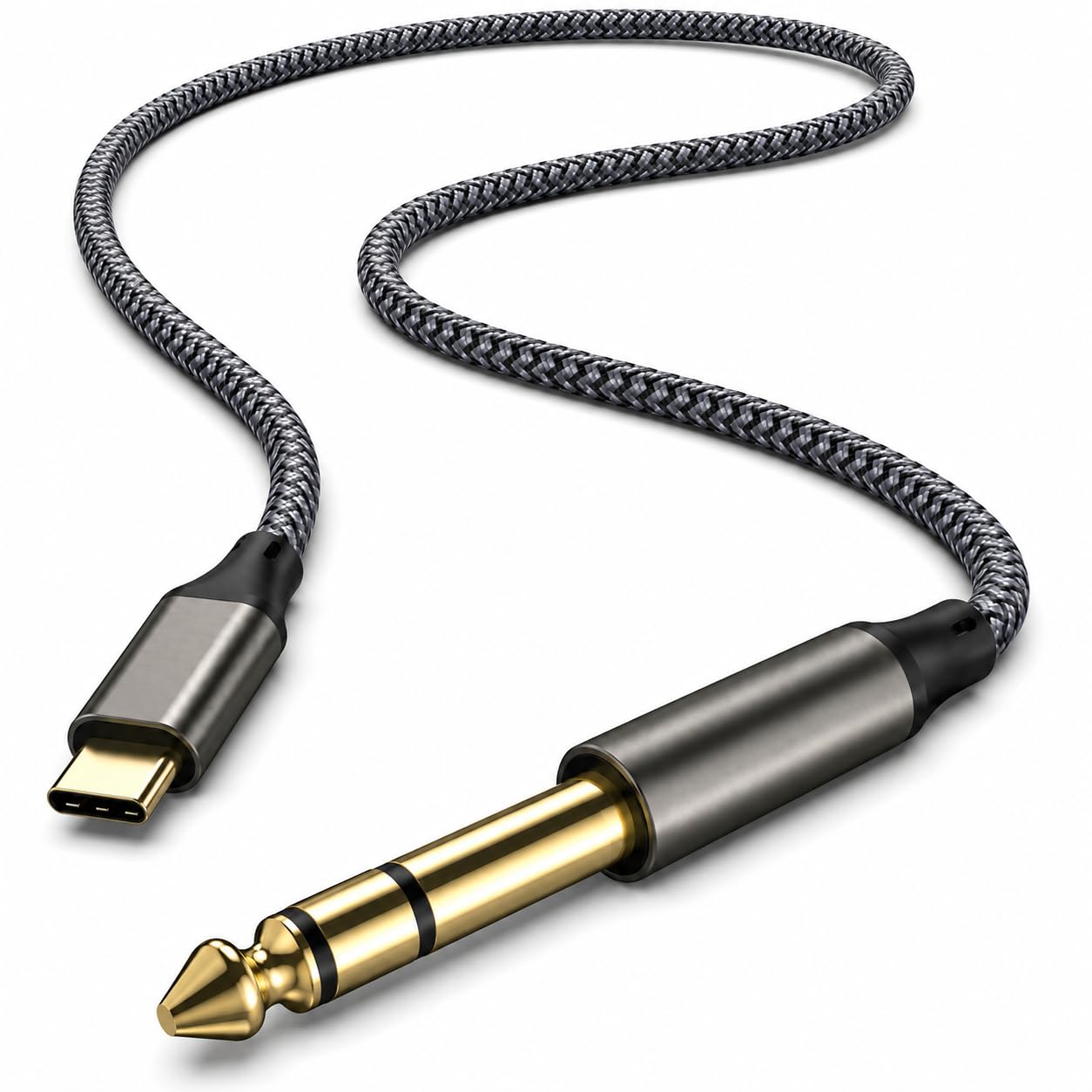
For anyone working remotely, the FLX4’s size is the point. It fits on a rental-apartment desk next to a laptop, runs off the laptop’s USB-C port with the right cable, and packs into a carry-on with clothes around it. A practice session after the workday doesn’t need speakers either: headphones into the front jack are enough.
“Loop in and loop out were the reason I upgraded. The smoother buttons are a bonus.”
Reggie R.
How it compares
- Numark Mixstream Pro. Standalone (no laptop) and has speakers, but the layout is less club-like and it’s heavier to travel with.
- Pioneer DDJ-REV1. Battle-style layout for scratch DJs; cheaper, but less suited to open-format blending.
- Pioneer DDJ-FLX6. Four channels and bigger jogs; the next step once two decks feel limiting.
Building a small DJ setup around it
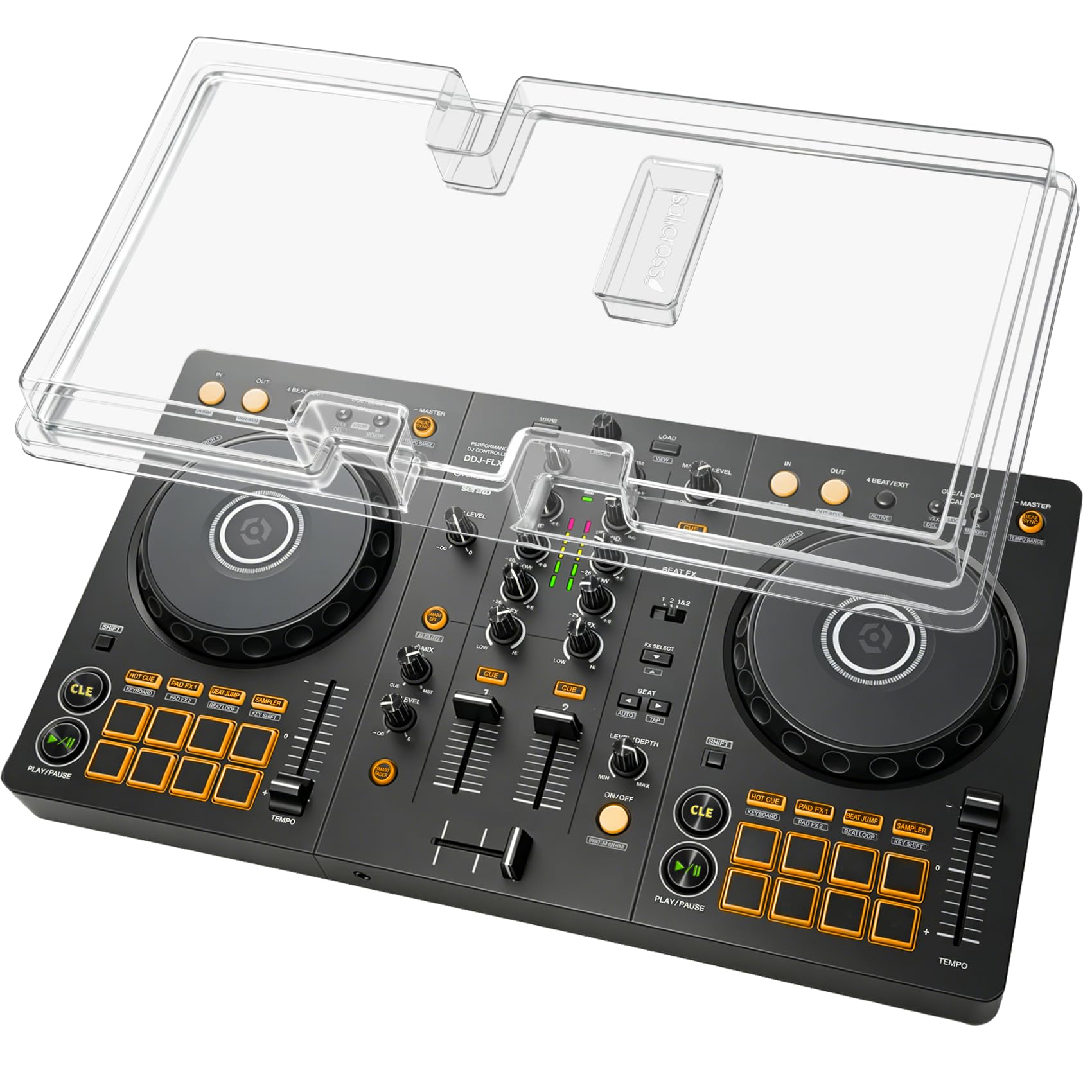
A controller is only half the kit. A cheap dust cover protects the faders between sessions, a USB-C to 1/4-inch DAC cable or an iRig Stream interface helps when you want to record or stream a mix, and a good pair of in-ear monitors like the KZ ZS10 Pro makes cueing in noisy rooms easier. For music to play, see how a record pool subscription compares with buying tracks.
Price and value
Expect to pay about $280 to $340, though prices on Amazon move often, so check the current listing before buying. Excellent value for what it does: still the controller to start on. Pair it with a cover and decent headphones and it will carry you a long way.
How I scored it
The 4.5-out-of-5 score is led by my own recorded thoughts, checked against what buyers report across retailers, weighed on value, build quality and how well it fits a travel and remote-work life. Read the full method on the editorial policy page.
3 tips to get the most out of it
- Turn Smart Fader off within the first few weeks. It masks beatmatching mistakes; learning without it is what makes you a DJ.
- Set rekordbox to export to USB from day one. If you ever play club CDJs, your library is already prepared.
- Use the master out, not the laptop speakers, when recording. You get a cleaner mix and accurate levels.
FAQ
Does the DDJ-FLX4 work without a laptop?
No. It needs rekordbox or Serato on a computer, or the mobile apps on a phone or tablet.
Can it record mixes?
Yes, rekordbox and Serato both record internally, and the master out can feed an interface.
Is the white version different?
Only in finish; features and software support are the same.
Who it’s for (and who should skip it)
Good for beginners and improvers who want club-style habits from day one. Skip it if you already need four channels or standalone play. Planning more than this one purchase? Start with the Remote Work Travel Guide for the full portable office setup.
Bottom line
Still the controller to start on. Pair it with a cover and decent headphones and it will carry you a long way.
Our experience, in combination with what others say.